Somebody already took the photo you forgot to take.

Your hands were busy having the time of your life. The cameras were not. Enter the code from your card and every frame from the booths and the floor lands in one place.

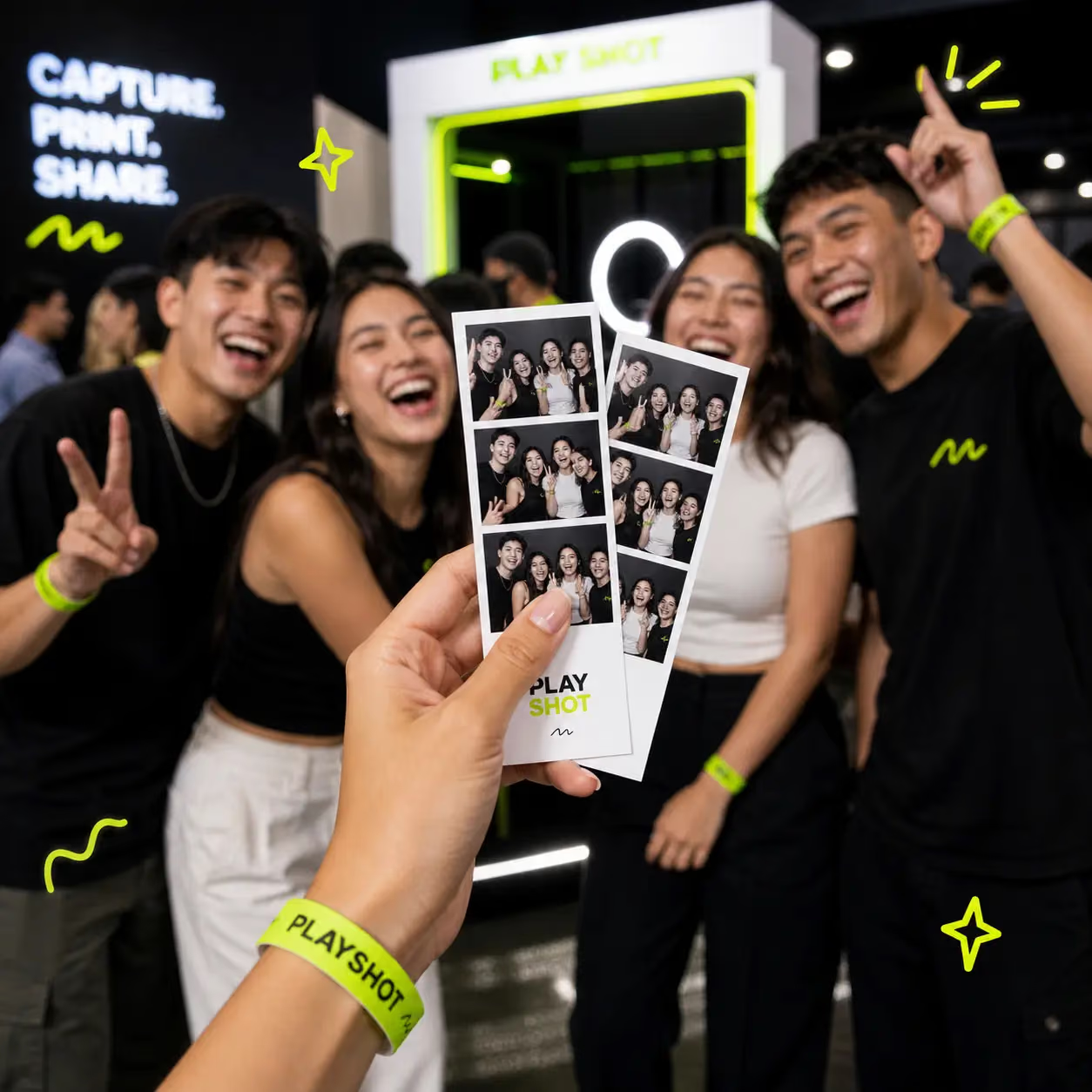
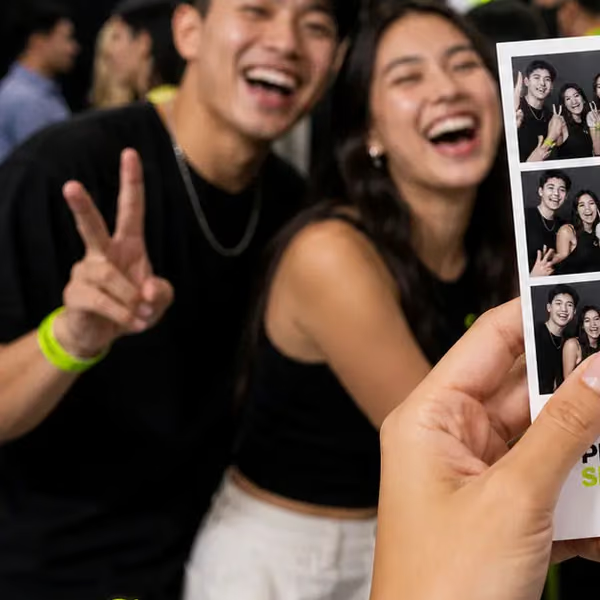
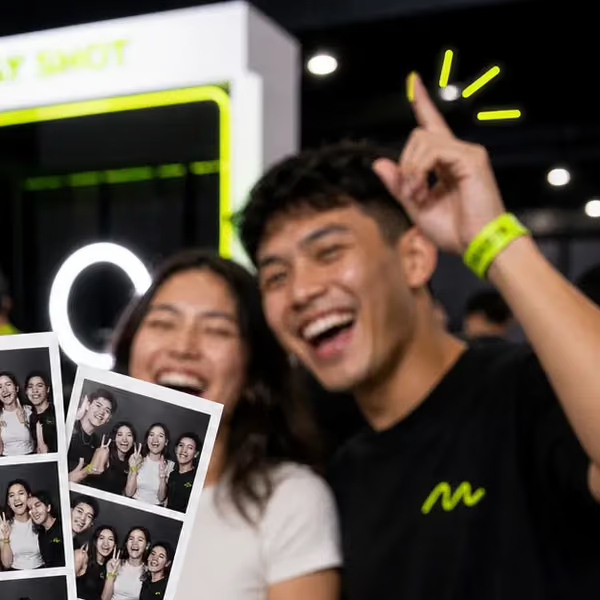
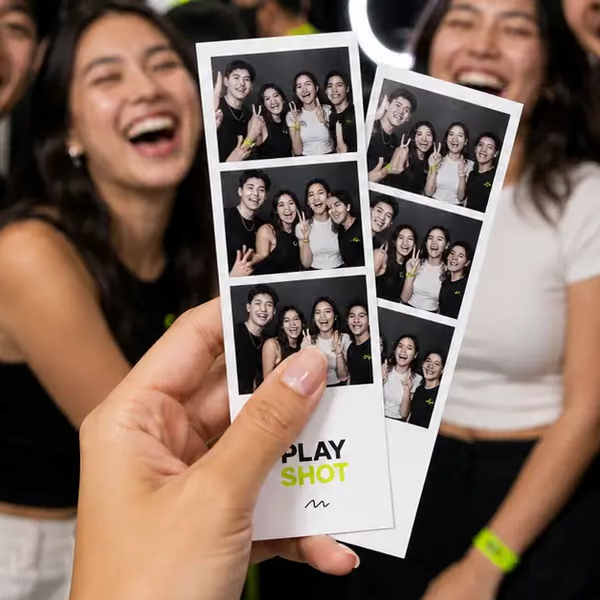
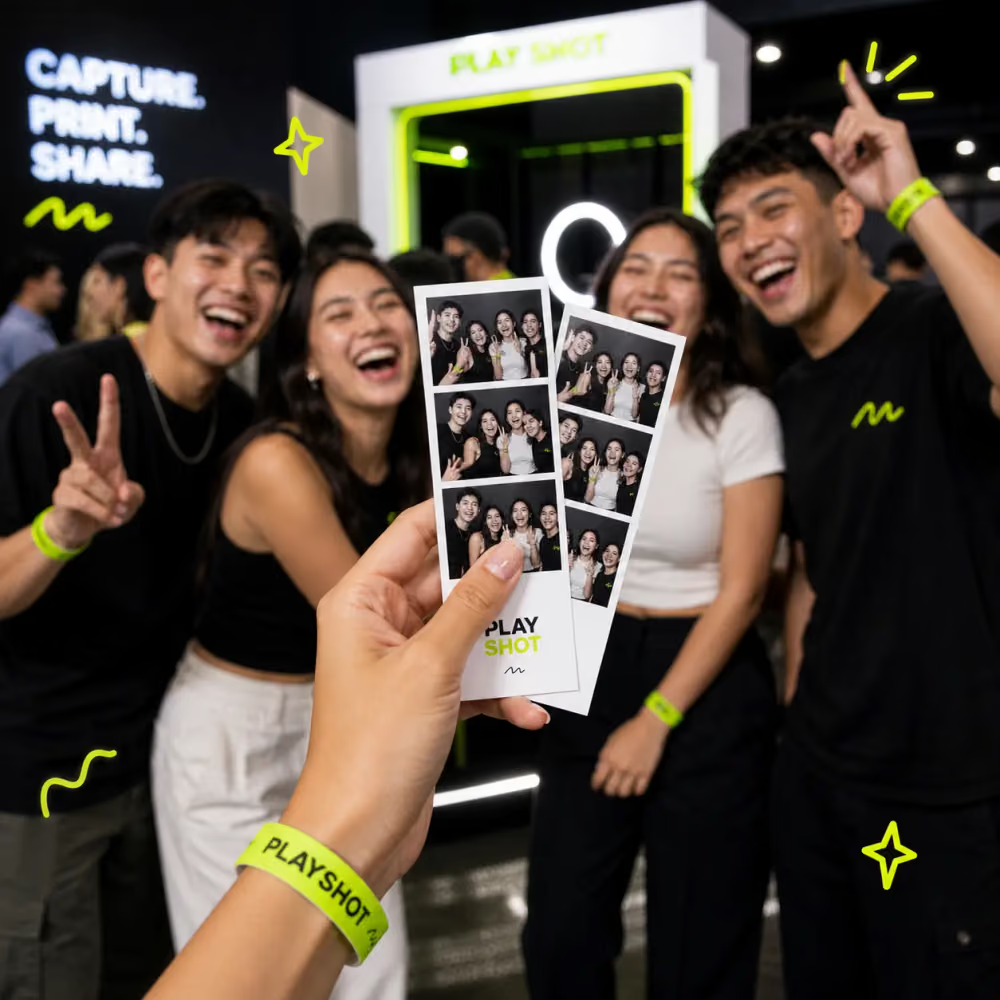
Four friends laughing at a PlayShot booth, one holding up their printed photo strip
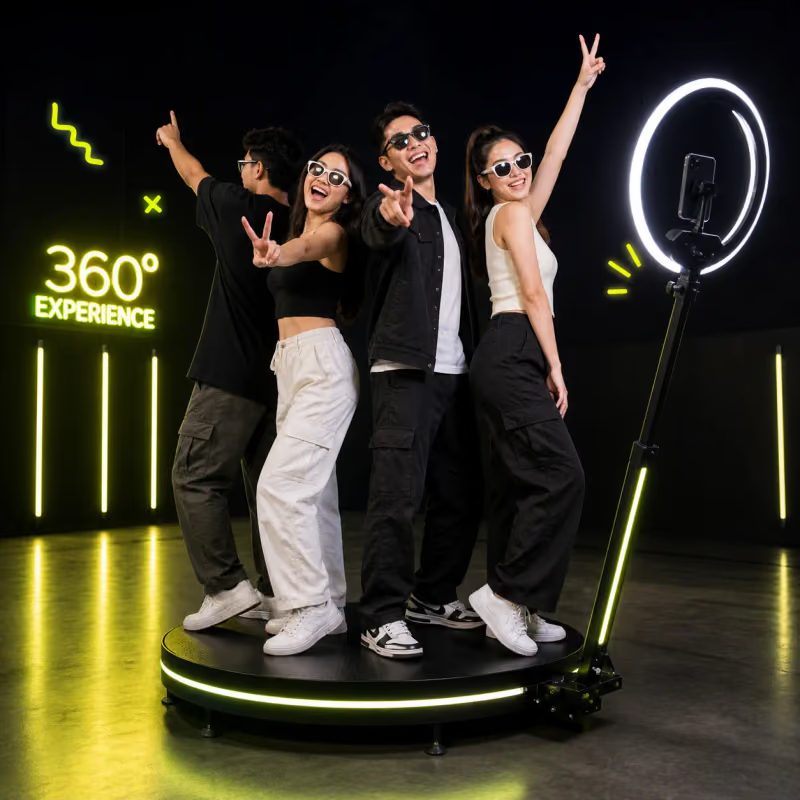
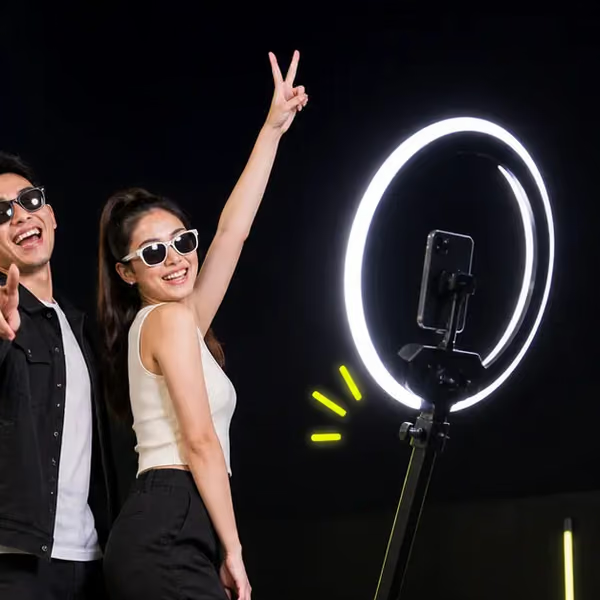
Friends posing on the lit 360° platform beside a ring light
Frame 07 · 14:32
360° booth · PlayShot camera12 frames on this code
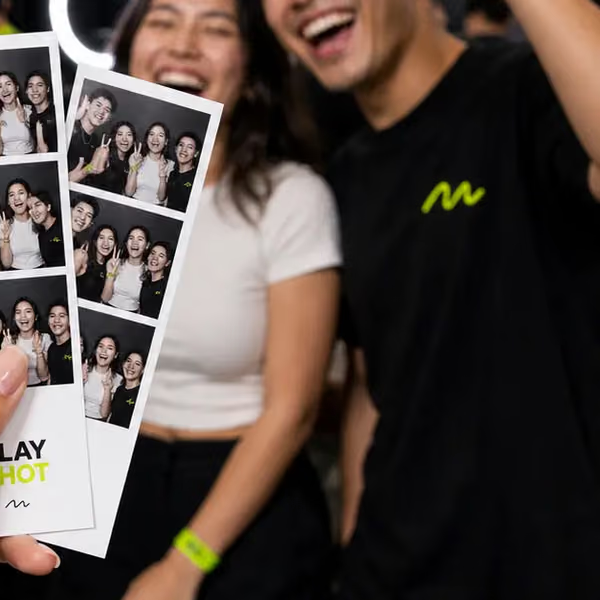
Friends laughing behind their fresh photo strips
Friends posing on the 360° platform beside the neon sign
Two friends sharing a laugh
Three friends laughing into the camera
Friends laughing, one holding up a peace sign
Two friends in sunglasses posing by the ring light
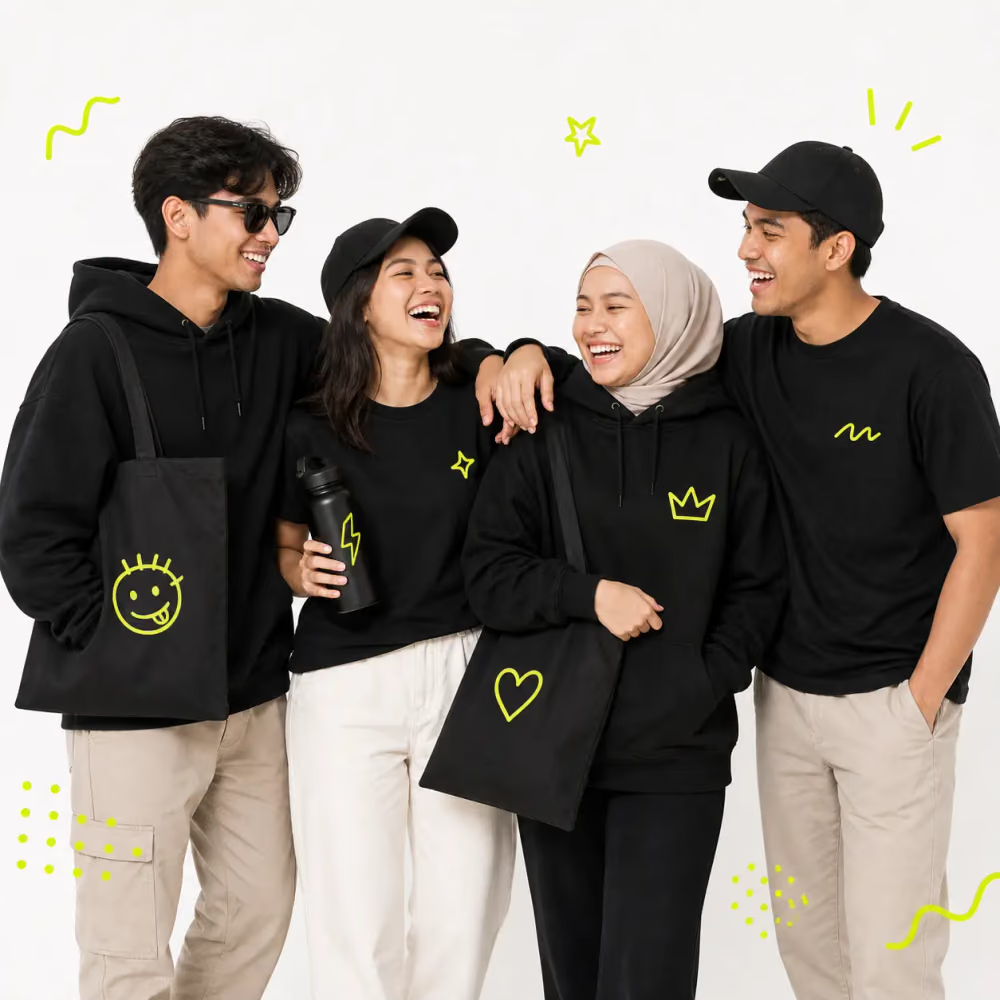
Friends arm in arm in PlayShot merch
Four friends crowding the frame with peace signs
Friends grinning behind their PlayShot photo strip
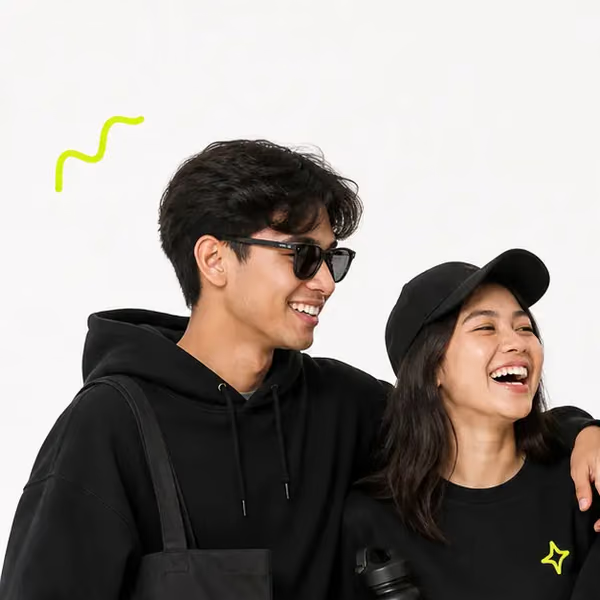
Two friends in a PlayShot hoodie and cap, laughing
A friend pointing up and laughing in front of the print booth
Four friends striking poses on the 360° platform
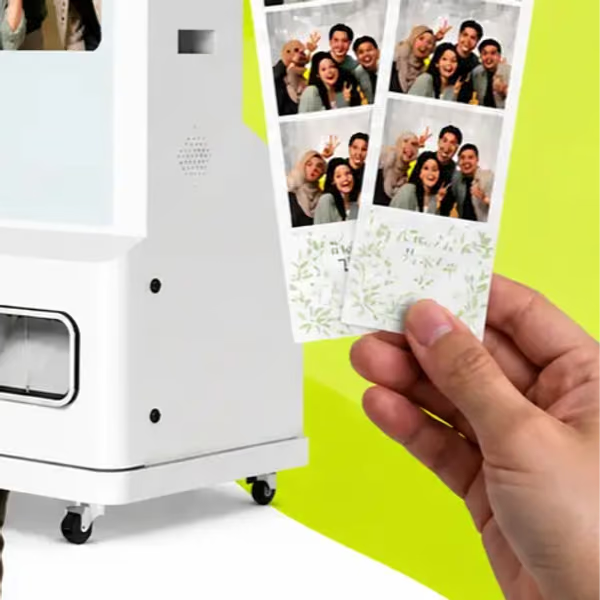
A hand holding fresh prints in front of the print booth
Two friends in PlayShot tees, smiling
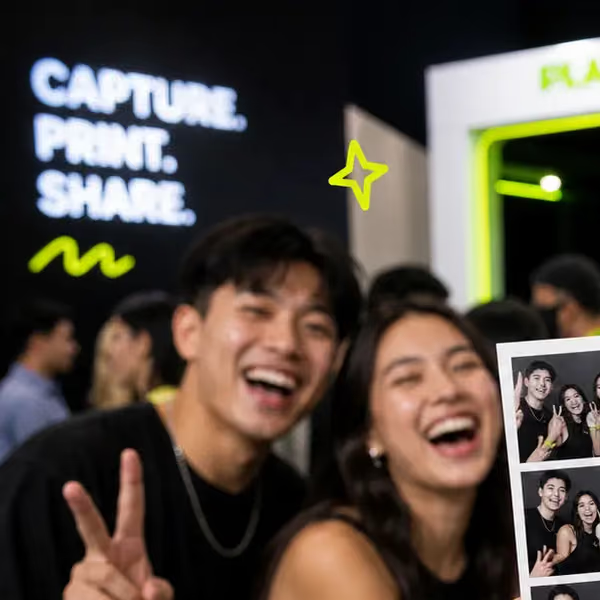
Two friends laughing at the booth, one throwing a peace sign
The PlayShot 360° photobooth backdrop
A hand holding up a PlayShot photo strip in front of the group
Friends leaning on each other, laughing

Not just the one that came out of the printer.

The 360° platform, the studio booth and the photographers on the floor all shoot the same visit. Your code opens the whole contact sheet, so the frame where everyone happens to be looking is in there too.

Two friends laughing at the booth, one throwing a peace sign
01
Friends leaning on each other, laughing
02
Four friends striking poses on the 360° platform
03
Friends grinning behind their PlayShot photo strip
04
Three friends laughing into the camera
05
Two friends in sunglasses posing by the ring light
06
Two friends in a PlayShot hoodie and cap, laughing
07
Friends laughing, one holding up a peace sign
08
Four friends crowding the frame with peace signs
09
Two friends in PlayShot tees, smiling
10
Friends posing on the 360° platform beside the neon sign
11
A friend pointing up and laughing in front of the print booth
12
Two friends sharing a laugh
13
A hand holding up a PlayShot photo strip in front of the group
14
A hand holding fresh prints in front of the print booth
15
Friends arm in arm in PlayShot merch
16
Friends laughing behind their fresh photo strips
17
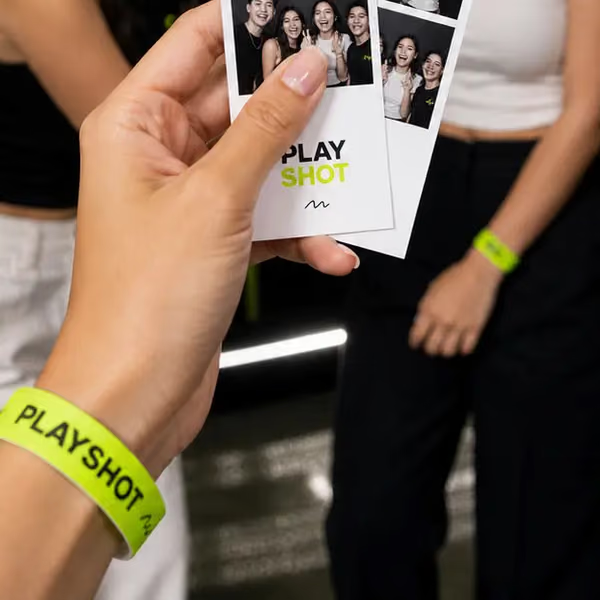
A PlayShot wristband and a fresh photo strip
18

What the code opens.

Not a receipt and not an email thread. A gallery of your own frames that you scroll, tick and download — on the phone you scanned with.

  • 01Everything from one code in one place. Booth by booth, in the order the day happened.
  • 02Tick the ones you want. Skip the blurred frame and the one where the kid blinked.
  • 03Add a second code later. Another visit, another card — same account, same gallery.

Three steps, about forty seconds.

Which is roughly one spin on the 360° platform.

01

Scan or type

The card handed to you at the exit has a code on it. Scanning the QR fills it in; typing it works just as well.

02

Sign in once

One account holds every visit, so next year's photos arrive in the same place as this year's.

03

Take them home

Look through the whole set, then download the frames you want at the resolution they were shot at.

What you can take home.

What is on offer is set by the venue you visited, and you settled up with them there. Once your code is in, everything it opens is yours to download.

Four friends in black PlayShot tees and caps, laughing together
Every frame

The whole session

Every capture from your visit, full resolution, in one download.

Friends cheering at the booth with their photo strip
One image

Just the good one

The single frame you actually want.

The PlayShot 360° platform and ring light, ready for the next group
360° video

The spin

Where the 360° booth films as well as shoots.
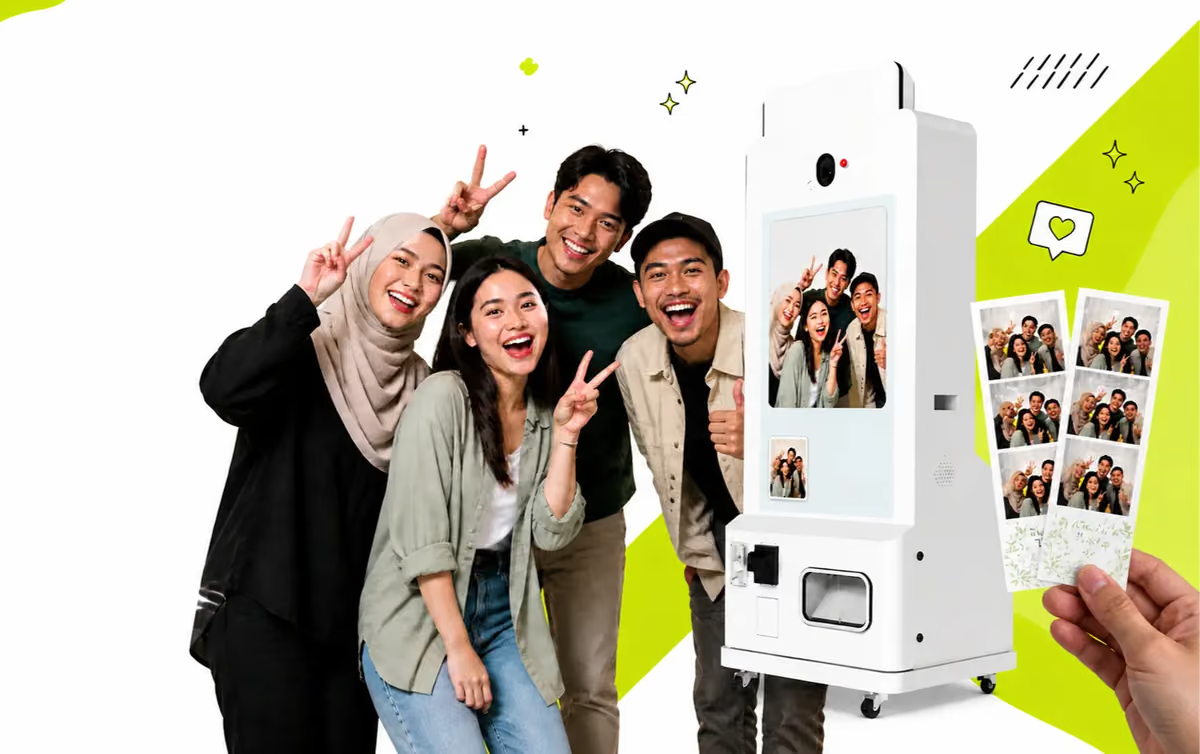
Friends posing beside the PlayShot print booth, a hand holding their strips
Prints

On paper

Printed at the booth or posted out.

Where the cameras are

Not every corner is photographed, and it differs by venue. If a PlayShot camera was running where you were, the frames are attached to the code you were given as you left.

  • 360° photobooths
  • Studio-style booths
  • Mirror booths
  • AI photobooths
  • Roaming photographers
  • Engagement zones

Nothing came up?

Almost always one of three things, in this order:

  1. The code was typed with an O instead of a zero, or a 1 instead of an I. Compare it against the card.
  2. The frames are still uploading from the booth. Give it a few minutes and try the same code again.
  3. Still nothing — the help page has the venue's contact, and the date plus the booth is usually enough to find you.

Your best shot is still sitting on a memory card. Go and get it.

Nothing to install and nothing to plug in — it works in the browser you are reading this in, on the phone that is already in your hand.